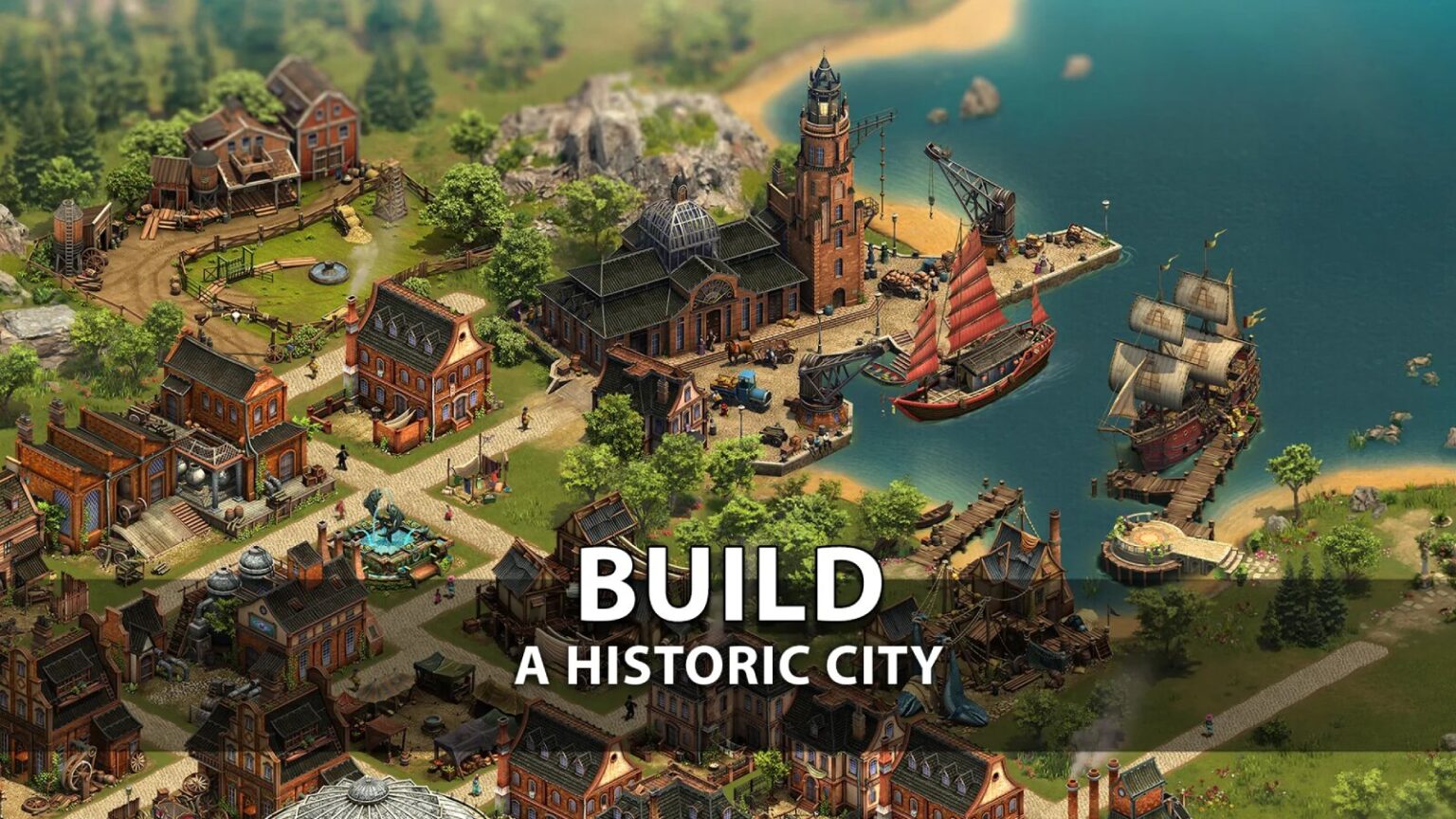
Most online games push you toward combat, races, or puzzles. But a growing number reward patience, planning, and imagination. Free online building games have become a quiet powerhouse in browser gaming—offering players the freedom to design cities, construct homes, and shape entire worlds from scratch. These aren’t just time-fillers. For many, they’re digital outlets for creativity, strategy, and problem-solving.
You don’t need a high-end PC or expensive software. All it takes is a browser and an idea. Whether you're sketching a dream house, managing a growing town, or crafting pixel art landscapes, the right game turns "what if" into "look what I made."
But not all free building games are equal. Some are outdated. Others are cluttered with ads or locked behind paywalls. The best balance accessibility, depth, and actual creative freedom—without making you pay to place the next block.
Why Play Building Games Online for Free?
Building games tap into a fundamental human drive: creation. Unlike shooters or platformers, they reward vision over reflexes. You're not just reacting—you're designing systems, solving spatial problems, and seeing long-term progress.
For casual players, these games offer relaxing, low-pressure environments. No lives, no timers (usually), no fail states. For students or aspiring designers, they’re sandboxes to test urban planning, architecture, or resource management. Teachers use them in classrooms. Architects prototype ideas in similar simulators. The skills aren’t imaginary.
And the "free" part matters. Many premium building games cost $20 or more. Free online versions let you test the genre before investing—or enjoy deep gameplay without spending a cent.
But beware: "free" often means trade-offs. Ads, limited tools, or restricted exports can frustrate. The best ones minimize these, offering meaningful gameplay before pushing monetization.
Top 5 Free Online Building Games You Can Play Now
These aren’t just flash relics or shallow time-wasters. Each of the following is actively playable, browser-based, and offers real creative depth—without requiring downloads or accounts (in most cases).
1. Build a Tower
A minimalist skyscraper simulator where you balance design, cost, and tenant satisfaction. Choose materials, set rent prices, and upgrade floors as your city grows vertically.
- Pros: Clean UI, economic depth, no registration
- Cons: Limited visual customization
- Best for: Strategy lovers who enjoy long-term planning
2. Little Alchemy 2
Combine elements to create increasingly complex structures—from houses to cities to entire civilizations. It’s part puzzle, part world-building.
- Pros: Addictive progression, clever combinations, educational
- Cons: Not a traditional builder; more abstract
- Best for: Creative thinkers and younger audiences
3. Polygon Craft
A browser-based sandbox that mimics Minecraft’s block-building mechanics. Place, remove, and paint blocks in 3D space. Works on most modern browsers.
- Pros: Close to Minecraft without the cost, multiplayer options
- Cons: Slower performance on older devices
- Best for: Fans of voxel building and exploration
4. SimCEO (Browser Version)
Run your own virtual company from the ground up. Design office layouts, hire staff, and manage supply chains. It’s part city-builder, part business sim.
- Pros: Real-world logic, teaches resource allocation
- Cons: Steeper learning curve
- Best for: Older teens and adults interested in systems thinking
5. Cityscape Generator Not a game in the traditional sense, but a powerful tool for generating random city layouts.
Export images, use them as backdrops, or inspire your own designs.
- Pros: Fast, visual, great for artists
- Cons: No gameplay or interactivity
- Best for: Concept artists, writers, game developers
Each of these offers something different—but all prioritize creativity and accessibility. None require downloads. Most work on tablets and Chromebooks.
How to Get the Most From Free Building
Games
Just opening a browser tab won’t unlock a masterpiece. To truly benefit, treat these games like tools, not distractions.
Set Constraints to Spark Creativity
Paradoxically, limits help. Try building a town with only five types of buildings. Or design a house using just 20 blocks. Constraints force innovation—just like real architects face with budgets and zoning.
Use Them as Prototyping Tools
Writers draft worlds. Game designers sketch levels. Architects visualize spaces. A quick session in a building game can generate ideas faster than pen and paper. Capture screenshots. Save links. Export when possible.
Avoid the "Endless Build" Trap
Many players fall into a loop: build, expand, repeat—without purpose. To avoid burnout, define a goal. “Build a self-sustaining village.” “Design a school for 500 students.” A clear objective gives your work meaning.
Watch for Hidden Costs "Free" doesn’t always mean "fair."
Some games lock advanced tools behind daily timers or premium passes. Before investing hours, check: - Can you save progress? - Are core features locked? - How intrusive are ads?
If the answer to two of these is “yes,” consider alternatives.
Real-World Skills You Develop
These games aren’t just fun. They quietly build transferable skills.
- Spatial reasoning: Placing structures efficiently improves mental mapping and geometry intuition.
- Resource management: Balancing materials, energy, and population mirrors real logistics.
- Problem-solving: When a city runs out of water or a tower collapses, you learn to diagnose and fix.
- Creative confidence: Starting with nothing and ending with something tangible builds creative resilience.
Teachers use Little Alchemy 2 to teach systems thinking. Urban planners play SimCity variants to test traffic flow. These free online versions offer a similar foundation—just more accessible.
Common Mistakes to Avoid
Even experienced players fall into traps. Recognize these early:
1. Ignoring the Grid
Most building games use a grid system. Placing items off-grid leads to alignment issues, wasted space, or unstable structures. Stick to the grid unless you’re intentionally breaking rules.
2. Overbuilding Too Fast
It’s tempting to expand rapidly. But unchecked growth leads to inefficiency. In city builders, this means traffic jams. In tower games, it means financial collapse. Scale deliberately.
3. Skipping the Tutorial
Many free games bury key mechanics in tooltips or skip explanations entirely. Spend five minutes learning the controls. It saves hours of frustration.
4. Assuming "Free" Means "Inferior"
Some of the best design tools are free. Bias against free games limits your options. Judge by gameplay, not price tag.
Limitations of Browser-Based Building
Games
No format is perfect. Browser games have inherent trade-offs:
- Performance: Complex builds can lag, especially on older devices.
- Save Systems: Many rely on local storage, meaning progress vanishes if you clear cookies.
- Limited Export: Few let you download or share creations in high-quality formats.
- Security: Some ad-heavy sites carry risks. Stick to reputable platforms like Poki, CrazyGames, or Kongregate.
To mitigate, use bookmarks, take screenshots, and back up ideas in notes. Treat browser games as sketchpads—not final studios.
Where These Games Are Headed
Expect more integration with real-world tools. Some free builders already allow exporting to 3D model formats. Others use AI to generate terrain or suggest layouts. The line between game and design software is blurring.
Cross-platform play is rising. Build on your phone, continue on desktop. Cloud saves are becoming standard. And as WebGL improves, browser games look more like desktop apps.
The future isn’t just bigger worlds—it’s smarter tools that adapt to your creativity.
Final Thoughts: Start Building, Not Just Browsing
You don’t need a degree or expensive software to design something meaningful. Free online building games put creative power in your hands—today, right now, in your browser.
Skip the endless scroll. Open a builder instead. Sketch a house. Plan a city. Combine elements and see what emerges.
Some of the most inspired designs start with a single block. Yours could be next.